
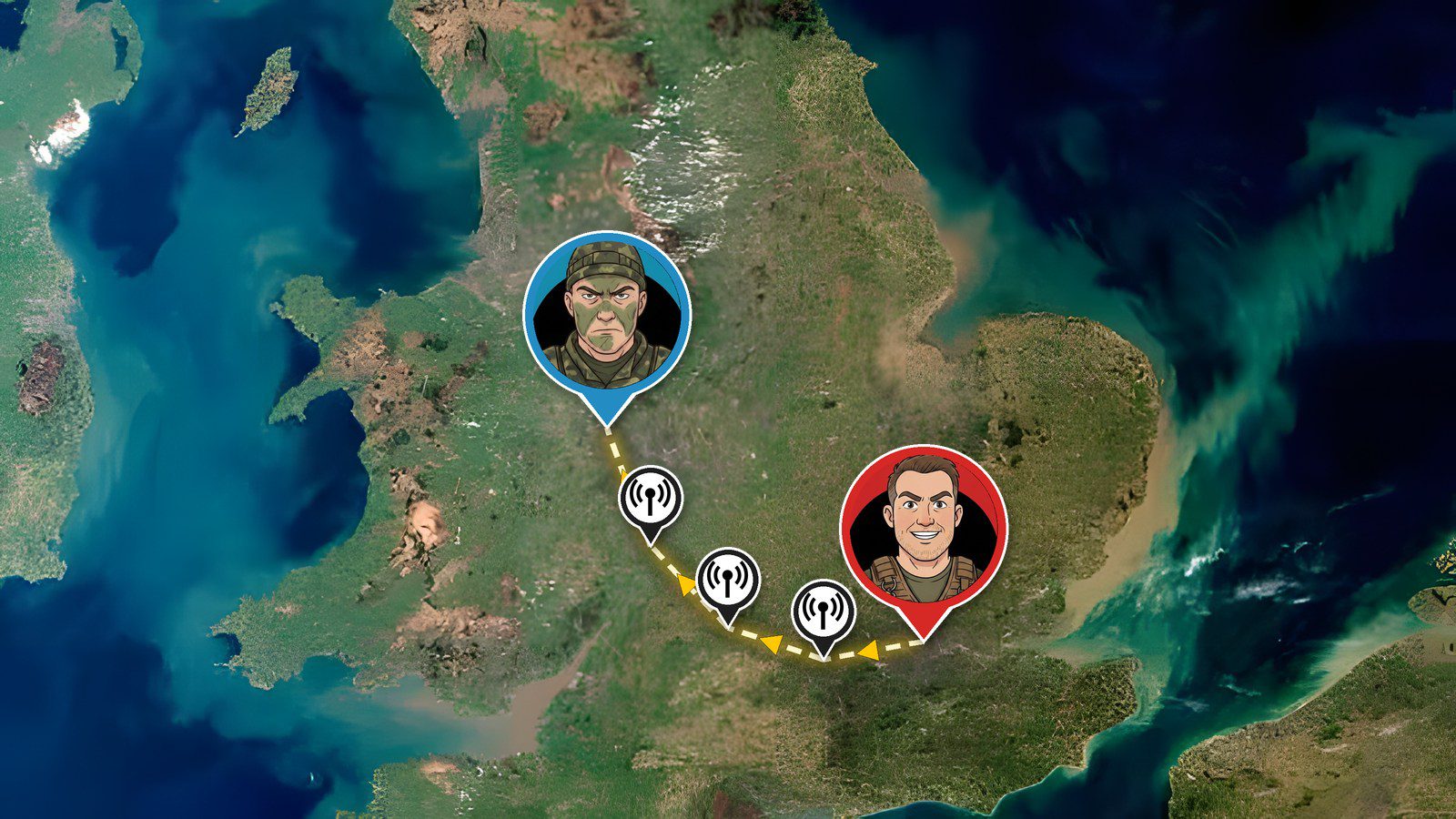
Meshtastic is free software that turns a small, cheap LoRa radio into an off-grid text messenger. Pair it with your phone and you can send short messages to other people with no mobile signal, no internet and no contract, passed from radio to radio through the air. It’s the best-known system of its kind worldwide, with a huge choice of radios and a big community behind it.
Our honest advice first: try MeshCore before Meshtastic. We ran Meshtastic first, then moved our own setup near St Neots to MeshCore in November 2026, because that’s where the radios are around us. In most of the UK, MeshCore has the bigger network. Only use Meshtastic if it’s the busiest system in your area. This guide shows you how to check whether the Meshtastic UK network is busy near you, and how to set Meshtastic up step by step if it is.
Complete Guide
MeshCore UK Guide
MeshCore lets you text with no mobile signal or internet through free repeaters run by volunteers. How to find repeaters on the MeshCore map, flash your radio and get set up, step by step.
Read the Full Guide: MeshCore UK Guide →
What Is Meshtastic?
Meshtastic is open-source firmware (the software that runs on the radio) plus free apps for your phone, tablet and computer. It’s a community-run project and its official home is meshtastic.org. The firmware and the apps are free, with nothing to unlock and no subscription.
People use it for keeping in touch when the phones go down, for walking and camping in places with no signal, for events and festivals, and for sharing their position with a group. Like any LoRa system, it’s text only: no calls, no voice notes, no photos. Think of an old Nokia 3310 that works when everything else has stopped.
Meshtastic and MeshCore both use LoRa radios, but they can’t talk to each other. Whichever you choose, everyone you want to reach has to be on the same one.
How Meshtastic Works
Every Meshtastic radio is called a node. The big difference from MeshCore is that ordinary radios help pass messages on. When your node hears a message, it waits a moment, and if no other node nearby has already passed it on, it sends it on itself. Nobody has to do anything: a radio in a neighbour’s coat pocket can carry your message along without them knowing.
Each message has a hop limit, which stops it bouncing around forever. Meshtastic sets it to 3 hops by default, and the most it allows is 7. So a message travels a few radios’ worth of distance, not across the country. The first message to someone spreads out to find them, and later direct messages to that person take the route that worked.

🐔 Chicken Licken
Did You Know?
I’ve been saying it for years: the radio in your pocket isn’t just yours. On Meshtastic, every ordinary radio quietly passes on messages it hears when nobody else has. A dog walker going past your house could carry your message to the next village, and neither of you would ever know. They call it a network. I call it neighbourliness with an aerial.
Each node has a role, which you set in the app:
- Client is the default and the right choice for nearly everyone. It sends and receives messages and helps pass others on.
- Client Mute sends and receives but never passes anything on. Useful where lots of radios sit close together, such as several in one house.
- Router always passes messages on. It’s meant for a fixed radio somewhere high, like a hilltop or a tall mast, that the whole area can hear.

🦆 Keith
Don’t Be Keith
Keith set his new Meshtastic radio to Router because it sounded more important than Client. It then sat in the kitchen drawer next to the batteries, shouting every message it heard back out, and getting in the way of the proper routers up on the hill. His wife looked up what it meant and set it back to Client. Leave it on Client unless your radio lives somewhere high.
The Meshtastic UK Network
Meshtastic has users all over the UK, but it isn’t evenly spread. In some areas it’s the busier system, often where a local group or radio club set it up first. In many others, including ours, MeshCore has far more radios. Around St Neots, MeshCore had over three times as many radios within 20 miles when we checked, and our nearest Meshtastic node was about 7 miles away.
That matters more than any feature. A mesh is only as good as the radios around you, so pick the system your area actually uses. Our LoRa radio primer has a ten-minute check you can do before you buy anything.
Complete Guide
LoRa Radio Explained
LoRa radio sends messages miles with no phone signal, no internet, and no infrastructure. Plain-English guide to how it works, the free volunteer repeaters, and MeshCore vs Meshtastic.
Read the Full Guide: LoRa Radio Explained →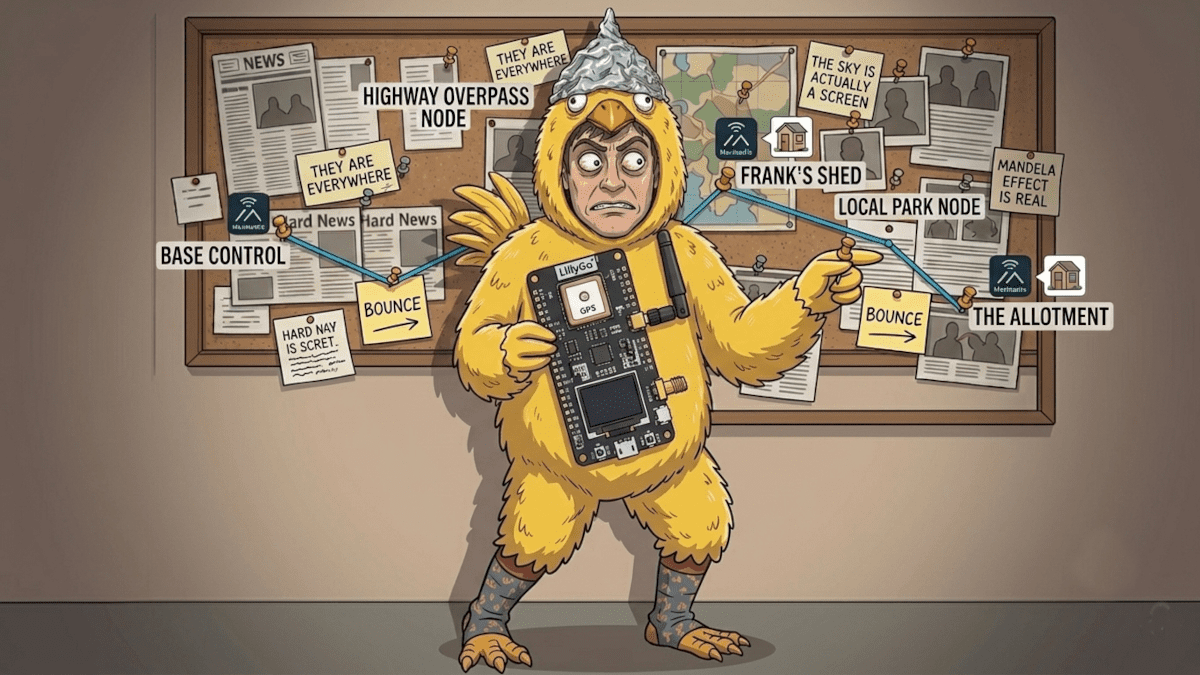
Use the Meshtastic Map to See Who’s Near You
There’s no official Meshtastic map, but two community Meshtastic maps are widely used: meshmap.net and meshtastic.liamcottle.net. Zoom in on your home and look for nodes within a few miles, especially any on high ground. Then do the same on the MeshCore map at map.meshcore.io and compare the two.
The catch: these maps only show radios whose owners have also connected them to the internet and chosen to report their position. Most radios never do, so a blank patch doesn’t mean nobody is there. Once you have a radio, the map and node list in the Meshtastic app show the nodes yours has actually heard. That’s the real test.
Which Radio? Meshtastic Devices for Beginners
Meshtastic runs on more radios than anything else in this field. For a household, Meshtastic devices fall into three groups:
- Ready-made pocket units. A sealed radio with its own battery, case and usually GPS, such as the Seeed SenseCAP T1000-E, a card-sized unit that comes with Meshtastic already on it. The easiest choice for most people. Roughly £40 to £80.
- Bare boards. The Heltec V3, LILYGO T3 and similar boards cost about £20 but need a case, a battery and some care. Fine for tinkering or as a fixed node indoors.
- Radios with a screen and keyboard. Units like the LILYGO T-Deck let you send messages with no phone at all. Handy if you don’t want to rely on a phone battery.
Whatever you choose, buy the 868MHz version for the UK. Radios sold for America use 915MHz, which isn’t licence-free here.
How to Set Up Meshtastic, Step by Step
This takes about half an hour the first time. You’ll need your radio, a USB cable, a computer with the Chrome or Edge browser (only if the radio needs flashing) and your phone.
1. Install the Meshtastic App
The Meshtastic app is free on Android, and on iPhone, iPad and Mac. There’s also a web version that runs in Chrome or Edge on a computer. Install it while you have internet. Once it’s on your phone, it works with no connection at all.
2. Put Meshtastic on Your Radio with the Web Flasher
Many ready-made units arrive with Meshtastic already on them, so you can skip this step. If yours doesn’t, or it needs an update, plug it into the computer, open the Meshtastic web flasher at flasher.meshtastic.org in Chrome or Edge, pick your device from the list and install the latest stable firmware. Then wait a minute or two while it flashes.
If the radio has ever run MeshCore or other firmware, wipe it completely first, using the full erase option if the flasher offers one for your device. We learned this going the other way: our pocket radio skipped the erase when it moved from Meshtastic to MeshCore and couldn’t save any settings afterwards.
3. Pair Your Phone
Open the Meshtastic app and connect to your radio over Bluetooth from inside the app. Radios with a screen show a PIN when you pair. Radios without a screen use 123456 unless you change it, and Meshtastic’s own documentation warns that leaving it on that is a security risk, so set your own in the app straight away.
4. Set the Region to EU_868
This is the step people miss. A new radio won’t transmit until you set its region. In the app’s LoRa settings, choose EU_868 for the UK. Leave the preset on the default LongFast unless your local group uses something different: everyone has to match, or your radio won’t hear them. On EU_868, LongFast sits on 869.525MHz.
5. Name Your Radio
Give your radio a long name and a short name of up to four characters, which is what shows on other people’s maps and screens. They’re public, so use a first name or a nickname, never your address.
6. Say Hello
Within a few minutes, the node list should start filling up with radios yours has heard. Send a short hello on the default LongFast channel. If someone answers, you’re on the network.
Meshtastic Channels and Privacy
- The default channel (LongFast) is the one everyone shares. Its encryption key is published, so anyone with a Meshtastic radio can read it. Good for a hello and finding out who’s around, never for anything personal.
- Private channels use a random key that only the people you share it with have. A radio can hold up to eight channels. Make one for your household, share it face to face (the app can show it as a QR code), and use it for anything personal.
- Direct messages to one person are encrypted so only they can read them.
- Your position is set per channel. You choose how exact it is, from off completely to an approximate area to your exact spot. Keep it off or vague on the public channel, and share it properly only on your private one.
- Your radio’s name is public. Pick one that doesn’t give away where you live.
Routers and Repeaters: Adding a Fixed Node
If there’s nothing near you, a fixed node up high is the most useful thing you can add. Any Meshtastic radio can do the job: set its role to Router, put it somewhere with a clear view all round, and give it steady power.
- Height beats everything. A loft, a chimney bracket or a pole above the roofline does far more than any amount of power.
- Only use Router somewhere high. A router in a low spot gets in the way of the network rather than helping it. Indoors, leave it as a Client.
- Power for a power cut. Put it on a battery with a small solar panel and it keeps going when the grid doesn’t.
Some Meshtastic users link their area to others over the internet, using a feature called MQTT. It’s switched off by default, and it’s worth knowing that anything carried over the internet stops the moment the internet does. On the day you’d need it most, only the radio-to-radio part still works.
Meshtastic in a Power Cut
A Meshtastic radio runs on its own battery and needs no signal, and it keeps passing messages on for the people around it too. How long the battery lasts depends on the radio and how you set it up, with GPS and frequent position updates the biggest drains. Your phone needs charging as well, because it’s the screen and keyboard.
Keep both topped up from a power bank, and keep the radio somewhere you’ll find it in the dark.
INIU 20,000mAh 45W Power Bank
20,000mAh and 45W fast charging in a body 30% smaller than most, with a built-in USB-C cable that can’t go missing in a power cut.
Lessons We Learned Running Meshtastic
- Check what’s busy before you buy. We started on Meshtastic and our nearest node was miles away. The MeshCore repeaters were already all around us.
- Set the region first. A radio with no region set does nothing, and it looks broken. It isn’t.
- The internet link isn’t off-grid. We used MQTT to join a national channel. It worked well, right up until you remember it needs the internet, which is exactly what goes in an emergency.
- Erase when switching firmware. Moving a radio between Meshtastic and MeshCore without a full wipe caused us days of trouble.
Frequently Asked Questions
Is Meshtastic legal in the UK?
Yes. Meshtastic radios use the licence-free 868MHz band under Ofcom’s short range device rules. Set the region to EU_868 and buy the 868MHz version of any radio. Radios made for America use 915MHz, which isn’t licence-free in the UK.
What is Meshtastic used for?
Sending short text messages and sharing locations between people with no mobile signal or internet, using small LoRa radios and a free phone app. People use it as a backup for when the phone network goes down, for walking and camping, and at events.
Is Meshtastic free?
Yes. The firmware and apps are free and open source, with no subscription. The only cost is your radio.
Should I use Meshtastic or MeshCore?
We recommend trying MeshCore first, because in most of the UK it has the bigger network. Only use Meshtastic if it’s the busiest system in your area. They can’t talk to each other, so check both maps before you buy. Our LoRa radio guide compares them side by side.
Can you be tracked with Meshtastic?
Only as much as you allow. Your position is set per channel, and you can switch it off or make it approximate. Your radio’s name is public, so don’t use your address. Keep exact locations to a private channel with people you trust.
How far can Meshtastic reach?
It depends almost entirely on height. At ground level among houses, a mile or two is typical. From a hill or a radio high on a roof, it can be many miles. Messages can hop through other radios, up to 3 hops by default and 7 at most.
Does Meshtastic need the internet or a phone signal?
No. Messages go from radio to radio through the air. You need the internet once, to install the app and, if needed, the firmware. The optional internet link (MQTT) is extra, and it stops working when the internet does.
What region and frequency should I use in the UK?
Set the region to EU_868 in the Meshtastic app. On the default LongFast preset, that puts your radio on 869.525MHz. Your radio must match the people near you, so check what your local group uses.
How do I find Meshtastic nodes near me?
Look at the community maps at meshmap.net and meshtastic.liamcottle.net. They only show radios connected to the internet, so many are missing. Once you have a radio, the node list and map in the Meshtastic app show what yours actually hears.
Can Meshtastic send voice messages or photos?
No. LoRa radio is too slow for sound or pictures. Meshtastic is for short text messages and locations, which is enough for “we’re safe” and “meet at the school”.
Build Your Resilience
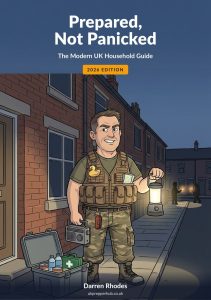
The whole plan, in one book
Prepared, Not Panicked (2026 edition) pulls our guides together into one plan for UK households. PDF, £4.99.
See inside the book →Further Reading: Related Guides
- LoRa Radio Explained
- MeshCore UK Guide
- Off Grid Communications UK
- PMR446 Walkie Talkie Guide
- Satellite Messenger or Personal Locator Beacon?
- Power Bank for Power Cuts
All our guides can be found listed on our resilience hub.
Gear We've Tested & Reviewed
All our reviews can be found on our reviews and resources page.


